> For the complete documentation index, see [llms.txt](https://docs.gpmautomate.com/llms.txt). Markdown versions of documentation pages are available by appending `.md` to page URLs; this page is available as [Markdown](https://docs.gpmautomate.com/automate-zh/gai-shu/what-is-gpm-automate.md).
# 🔥GPM Automate 是什么?
#### 🔥 GPM Automate 是什么? 用通俗的话来说
您可以把 GPM Automate 想象成一个帮助电脑自动替您在 GPM Login 浏览器上完成所有工作的工具。您不必亲自动手操作、点击鼠标、敲键盘、滚动页面来做 MMO、Crypto Airdrop、养账号、Dropshipping 等工作,只需要下达指令,让电脑自动在数百个 Profile 上同时批量运行即可。
这套软件分为2个独立的部分,根据您的需求来选择合适的部分:
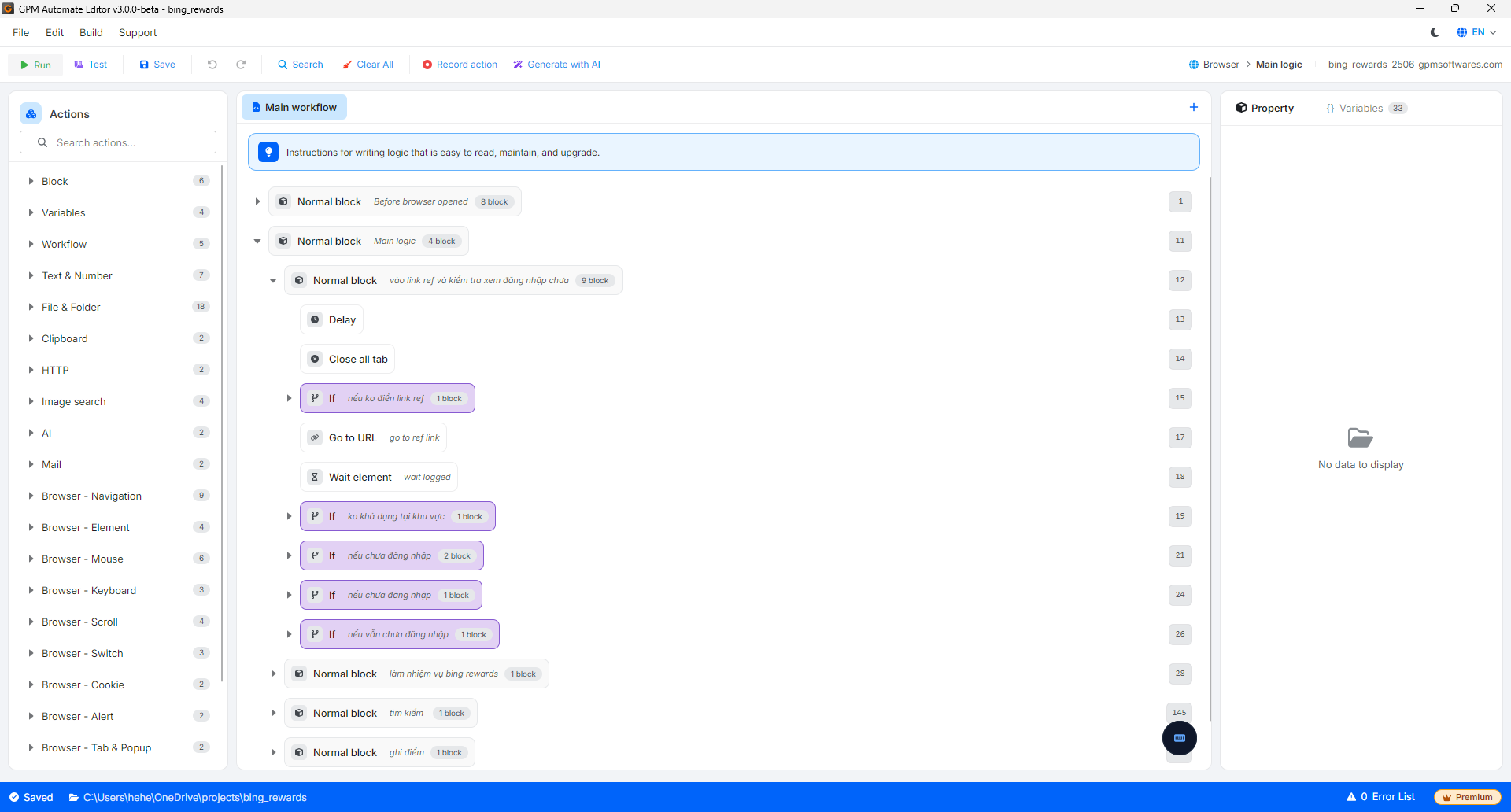
**🛠️ GPM Automate Editor – 适合想要自己编写工具的人**
* 作用: 这是让您自由创造、设计并拖放各种操作,以按照自己的想法创建自动化脚本(script)的地方。
* 输出: 如果使用免费版,您将导出一个源文件夹(Source Folder)供自己使用。如果使用付费版,您可以将脚本打包成唯一的加密文件 `.gpmlaunch`,以便拿去销售赚钱或分享,而不必担心代码泄露。
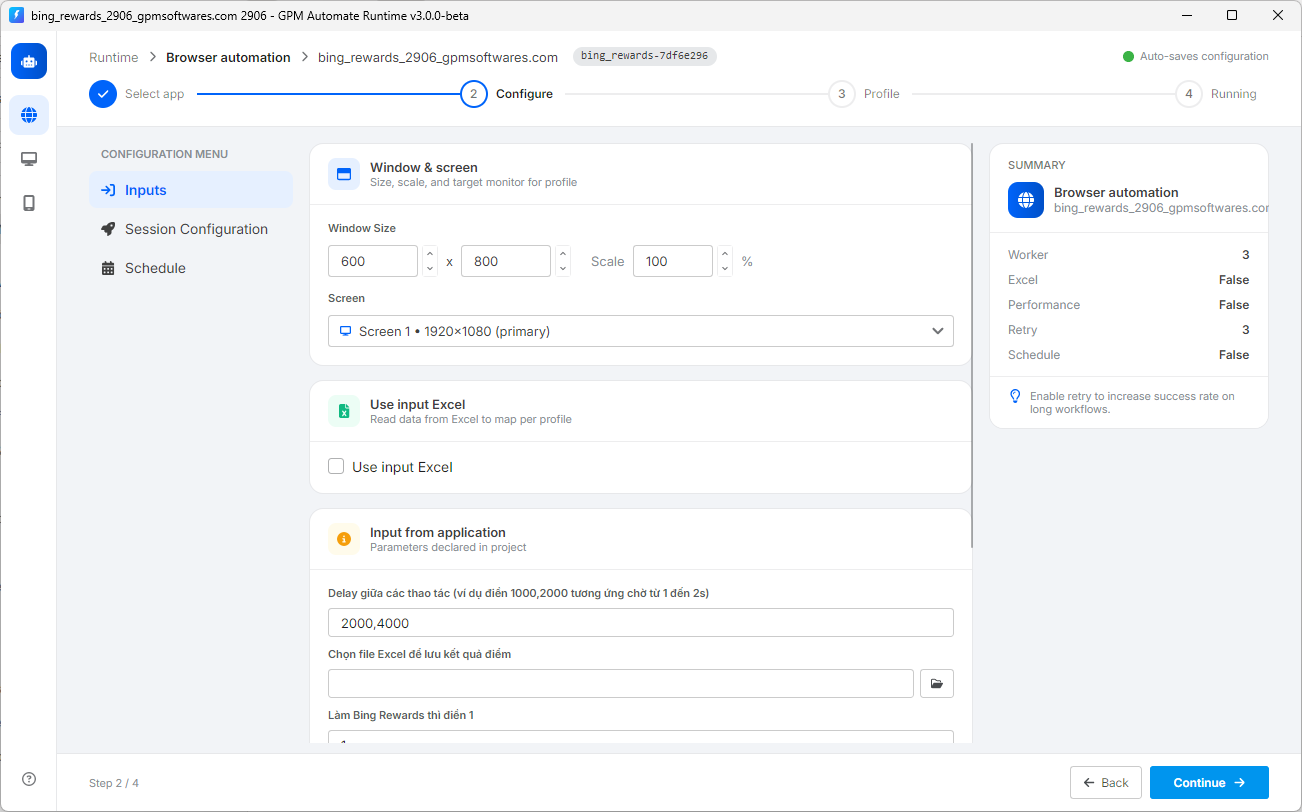
**🚀 GPM Automate Runtime – 适合只想运行工具的人 (免费)**
* 作用: 这个运行器没有修改代码的功能。它唯一的任务就是加载脚本,启动它,让其在 GPM Login 的各个 Profile 上自动运行。
* 适用对象: 如果您从他人处购买了 script/`.gpmlaunch` 文件,或在应用商店 [app.gpmautomate.com](https://app.gpmautomate.com) 上购买了它,您只需要使用这个 Runtime 部分打开文件运行即可,不需要关心 Editor 部分。
---
# Agent Instructions
This documentation is published with GitBook. GitBook is the documentation platform designed so that both humans and AI agents can read, navigate, and reason over technical content effectively. Learn more at gitbook.com.
## Querying This Documentation
If you need additional information that is not directly available in this page, you can query the documentation dynamically by asking a question.
Perform an HTTP GET request on the current page URL with the `ask` query parameter, and the optional `goal` query parameter:
```
GET https://docs.gpmautomate.com/automate-zh/gai-shu/what-is-gpm-automate.md?ask=&goal=
```
`ask` is the immediate question: it should be specific, self-contained, and written in natural language.
`goal` is optional and describes the broader end goal you are ultimately trying to accomplish on behalf of the user. GitBook uses it to tailor the answer towards what is most useful for that goal.
The response will contain a direct answer to the question and relevant excerpts and sources from the documentation.
Use this mechanism when the answer is not explicitly present in the current page, you need clarification or additional context, or you want to retrieve related documentation sections.